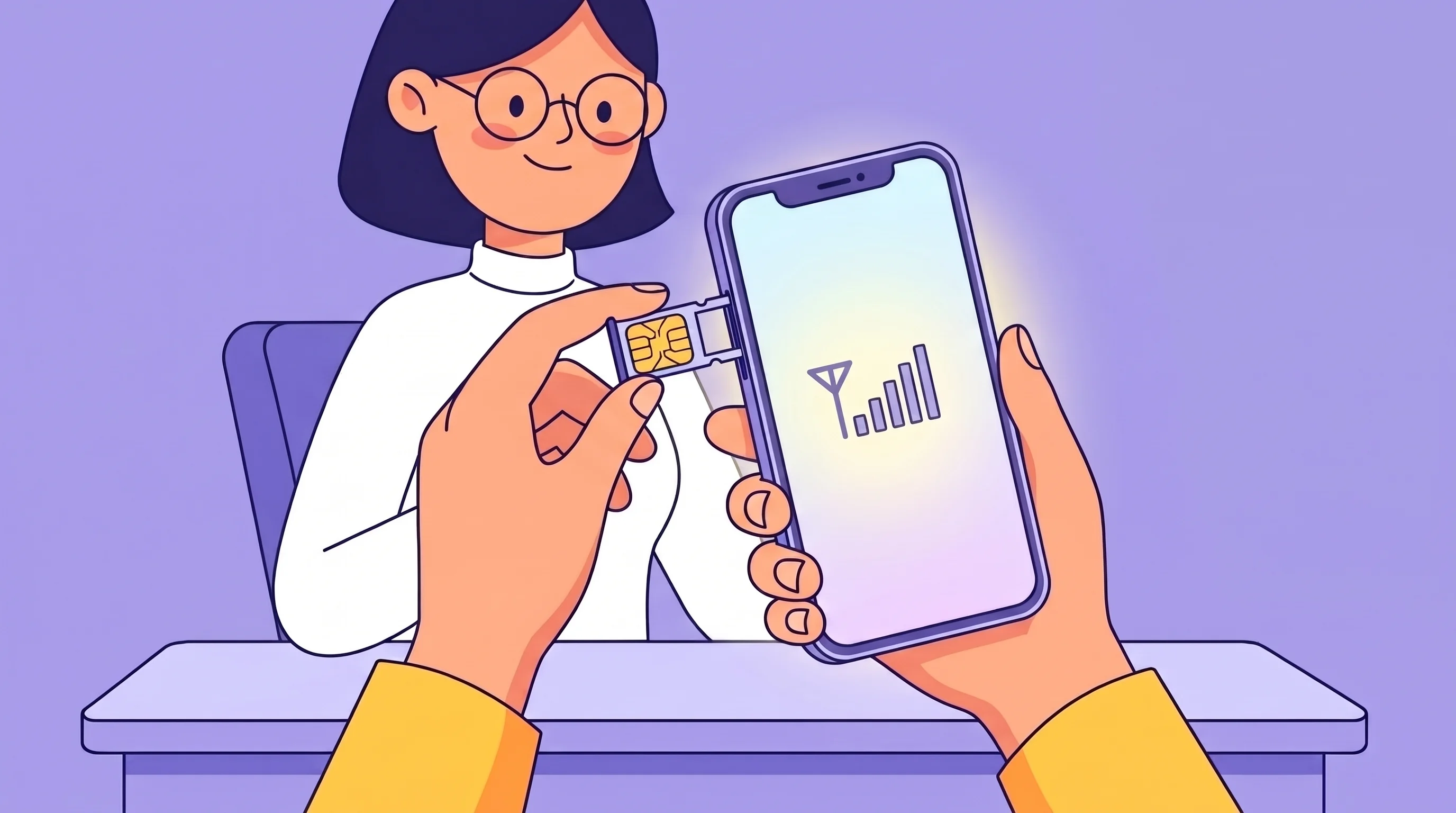
Many online platforms require phone verification before you can create an account or access certain features. While internet-based phone numbers may work in some situations, some services have additional verification requirements that can affect which numbers they accept.
If you're looking for a reliable phone number for SMS verification, two-factor authentication (2FA), or business registrations, a non-VoIP phone number may be a suitable option.
In this guide, you'll learn how to get a non-VoIP number and how NonVoIPZone can help you get started.
What Is a Non-VoIP Phone Number?
A non-VoIP phone number is issued by a traditional mobile carrier instead of an internet-based calling service. These numbers are commonly used for:
- SMS verification
- OTP (One-Time Password) delivery
- Two-Factor Authentication (2FA)
- Business registrations
- Account recovery
- Personal and business communication
Learn more in our guide: What Is a Non-VoIP Phone Number?
Why Choose a Non-VoIP Number?
A carrier-backed phone number offers several advantages for users who frequently create online accounts or manage business services.
- Reliable SMS delivery
- Suitable for two-factor authentication
- Works with many online services that require phone verification
- Keeps your personal phone number separate from online registrations
- Useful for business accounts and professional use
How to Get a Non-VoIP Number
Step 1 - Visit NonVoIPZone
Go to NonVoIPZone.com to explore available non-VoIP phone number options.
Step 2 - Create Your Account
Register for an account and complete the setup process.
Step 3 - Choose Your Number
Select a non-VoIP number based on the available countries or regions.
Step 4 - Activate Your Number
After activation, your number will be ready to receive SMS messages and verification codes, subject to the requirements of the services you use.
Step 5 - Start Using Your Number
You can use your number for:
- Account registration
- SMS verification
- OTP codes
- Business communication
- Two-factor authentication
Why Choose NonVoIPZone?
NonVoIPZone provides an easy way to access carrier-backed non-VoIP numbers.
Benefits include:
- ✔ Carrier-backed non-VoIP numbers
- ✔ Fast activation
- ✔ Reliable SMS reception
- ✔ User-friendly dashboard
- ✔ Secure account management
- ✔ Responsive customer support
Learn more here: How It Works
Who Uses Non-VoIP Numbers?
- Business owners
- Developers
- Freelancers
- Digital marketers
- Online sellers
- Privacy-conscious users
- Anyone who regularly verifies online accounts
Best Practices for SMS Verification
- Enter the correct country code.
- Double-check your phone number before requesting a code.
- Wait for the verification message before requesting another one.
- Use an active number that can receive SMS.
- Follow the verification requirements of the website or app.
Frequently Asked Questions
Can I use a non-VoIP number for SMS verification?
Many online platforms support carrier-issued numbers for SMS verification. Acceptance depends on the individual platform's policies.
How quickly can I get a non-VoIP number?
The setup process varies by provider, but many users can activate a number shortly after registration.
Can I receive OTP codes?
Yes, carrier-issued numbers are commonly used to receive OTPs and other SMS verification messages.
Where can I get a non-VoIP number?
Visit NonVoIPZone.com to explore available options and learn more about the service.
Conclusion
If you need a dependable phone number for SMS verification, account security, or online registrations, a carrier-backed non-VoIP number can be a practical solution.
Get started today by visiting NonVoIPZone and explore available non-VoIP phone number options. You can also learn more by visiting the How It Works page.